Introduction
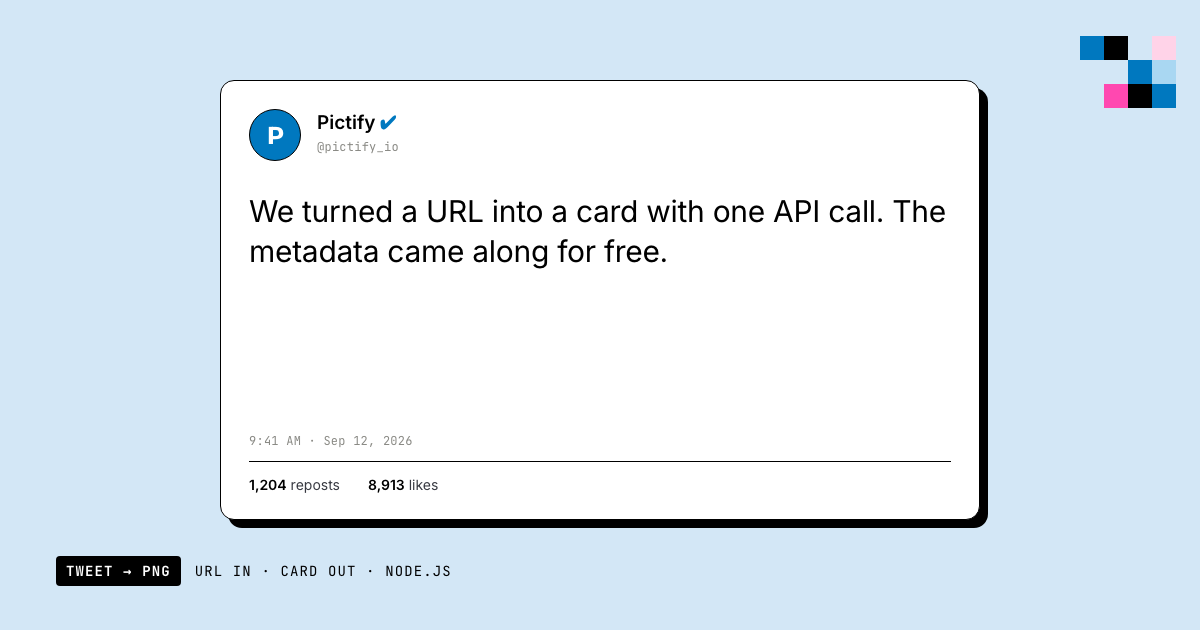
Twitter Cards are a powerful way to make your tweets stand out and drive engagement. In this tutorial, we'll build a custom Twitter Card generator using Node.js and the Pictify API. This tool will allow you to create visually appealing cards for your blog posts or products, automatically extracting metadata from URLs.
Why Create a Custom Twitter Card Generator?
- Increased Visibility: Eye-catching cards can significantly boost your tweet's visibility.
- Higher Engagement: Well-designed cards often lead to more clicks, retweets, and likes.
- Brand Consistency: Maintain a cohesive look across all your Twitter content.
- Automation: Save time by automating the card creation process.
Prerequisites
Before we start, make sure you have:
- Node.js installed on your machine
- A Pictify API key (sign up at pictify.io)
- Basic knowledge of JavaScript and Node.js
Install the required packages:
npm install axios ejs cheerioStep 1: Project Setup
Create a new directory and initialize the project:
mkdir twitter-card-generator
cd twitter-card-generator
npm init -y
Create a new file cardGenerator.js with this boilerplate:
const axios = require('axios');
const ejs = require('ejs');
const cheerio = require('cheerio');

const apiKey = 'YOUR_PICTIFY_API_KEY';

// We'll add our functions hereStep 2: Create the Card Template
Create cardTemplate.ejs with the following content:
<!DOCTYPE html>
<html lang="en">
<head>
    <meta charset="UTF-8">
    <meta name="viewport" content="width=device-width, initial-scale=1.0">
    <title>Twitter Card</title>
    <style>
        body {
            margin: 0;
            padding: 0;
            width: 1200px;
            height: 628px;
            display: flex;
            font-family: Arial, sans-serif;
            background-color: #f0f0f0;
        }
        .card-container {
            display: flex;
            width: 100%;
            height: 100%;
        }
        .image-container {
            width: 50%;
            background-image: url('<%= imageUrl %>');
            background-size: cover;
            background-position: center;
        }
        .content-container {
            width: 50%;
            padding: 40px;
            display: flex;
            flex-direction: column;
            justify-content: center;
        }
        .title {
            font-size: 36px;
            font-weight: bold;
            color: #1da1f2;
            margin-bottom: 20px;
        }
        .description {
            font-size: 24px;
            color: #14171a;
            margin-bottom: 20px;
        }
        .url {
            font-size: 18px;
            color: #657786;
        }
    </style>
</head>
<body>
    <div class="card-container">
        <div class="image-container"></div>
        <div class="content-container">
            <div class="title"><%= title %></div>
            <div class="description"><%= description %></div>
            <div class="url"><%= url %></div>
        </div>
    </div>
</body>
</html>Step 3: Extract Metadata from URL
Add a function to fetch and extract metadata from a given URL:
async function getMetadata(url) {
    try {
        const response = await axios.get(url);
        const $ = cheerio.load(response.data);

        return {
            title: $('meta[property="og:title"]').attr('content') || $('title').text(),
            description: $('meta[property="og:description"]').attr('content') || $('meta[name="description"]').attr('content'),
            imageUrl: $('meta[property="og:image"]').attr('content'),
            url: url
        };
    } catch (error) {
        console.error('Error fetching metadata:', error);
        return null;
    }
}Step 4: Generate the Twitter Card
Add a function to generate the Twitter Card using Pictify API:
async function generateTwitterCard(metadata) {
    try {
        const html = await ejs.renderFile('cardTemplate.ejs', metadata);

        const response = await axios.post('https://api.pictify.io/v1/image', {
            html,
            width: 1200,
            height: 628
        }, {
            headers: { 'Authorization': `Bearer ${apiKey}` }
        });

        return response.data.url;
    } catch (error) {
        console.error('Error generating card:', error);
        return null;
    }
}Step 5: Put It All Together
Add a main function to run the Twitter Card generator:
async function main(url) {
    const metadata = await getMetadata(url);
    if (metadata) {
        const cardUrl = await generateTwitterCard(metadata);
        if (cardUrl) {
            console.log('Twitter Card generated:', cardUrl);
            // Here you could add code to save the image or integrate with Twitter API
        }
    }
}

// Example usage
main('https://example.com/your-blog-post');Running the Generator
To generate a Twitter Card, run:
node cardGenerator.jsThis will output a URL to your generated Twitter Card image.
Example output:

Handling Broken or Unreachable Target URLs
The getMetadata function above assumes the target URL always resolves cleanly and returns a page with the right meta tags. In practice, three things go wrong constantly: the request times out, the page returns a 4xx/5xx, or the page loads fine but has no Open Graph tags at all (a surprising number of sites still don't set og:title/og:image). If any of these happen silently, you'll either crash the generator or ship a card with undefined in the title.
Add a timeout and a fallback metadata object so a bad URL degrades instead of failing:
async function getMetadata(url, { timeout = 5000 } = {}) {
    const fallback = {
        title: 'Shared Link',
        description: 'Click to view this content.',
        imageUrl: 'https://media.pictify.io/default-card-bg.png',
        url
    };

    try {
        const response = await axios.get(url, {
            timeout,
            validateStatus: (status) => status < 500 // treat 4xx as a real response, not a throw
        });

        if (response.status >= 400) {
            console.warn(`URL returned ${response.status}, using fallback card:`, url);
            return fallback;
        }

        const $ = cheerio.load(response.data);
        const title = $('meta[property="og:title"]').attr('content') || $('title').text();
        const imageUrl = $('meta[property="og:image"]').attr('content');

        // A page can respond 200 with no usable metadata; that's still a failure case.
        if (!title && !imageUrl) {
            console.warn('No usable metadata found, using fallback card:', url);
            return fallback;
        }

        return {
            title: title || fallback.title,
            description:
                $('meta[property="og:description"]').attr('content') ||
                $('meta[name="description"]').attr('content') ||
                fallback.description,
            imageUrl: imageUrl || fallback.imageUrl,
            url
        };
    } catch (error) {
        // Covers DNS failures, connection refused, and the axios timeout above.
        console.error(`Failed to fetch ${url}:`, error.code || error.message);
        return fallback;
    }
}
The important part is validateStatus: by default axios throws on any non-2xx response, which means a 404 or 410 would hit your catch block indistinguishably from a network failure. Treating 4xx as a normal (but empty) response lets you branch on it explicitly instead of losing the distinction.
Caching Generated Cards
If a URL gets shared repeatedly (a popular blog post, a product page linked from multiple tweets), regenerating the same card on every request wastes API calls and adds latency for no benefit, since the source metadata rarely changes minute to minute. Cache by a hash of the URL, with a TTL short enough that a title/image update on the source page eventually propagates.
A simple in-memory cache works for a single process; for anything running across multiple instances, swap the Map for Redis:
const crypto = require('crypto');

const cache = new Map(); // swap for Redis in production / multi-instance deployments
const CACHE_TTL_MS = 24 * 60 * 60 * 1000; // 24 hours

function cacheKey(url) {
    return crypto.createHash('sha256').update(url).digest('hex');
}

async function getCachedTwitterCard(url) {
    const key = cacheKey(url);
    const cached = cache.get(key);

    if (cached && Date.now() - cached.timestamp < CACHE_TTL_MS) {
        return cached.cardUrl;
    }

    const metadata = await getMetadata(url);
    const cardUrl = await generateTwitterCard(metadata);

    if (cardUrl) {
        cache.set(key, { cardUrl, timestamp: Date.now() });
    }

    return cardUrl;
}
For a Redis-backed version, the shape is the same (GET/SETEX instead of Map.get/Map.set):
const redis = require('redis').createClient();

async function getCachedTwitterCardRedis(url) {
    const key = `twitter-card:${cacheKey(url)}`;
    const cached = await redis.get(key);
    if (cached) return cached;

    const metadata = await getMetadata(url);
    const cardUrl = await generateTwitterCard(metadata);

    if (cardUrl) {
        await redis.setEx(key, 24 * 60 * 60, cardUrl); // 24h TTL, in seconds
    }

    return cardUrl;
}
Pictify's own render URLs are already CDN-cached, so this cache isn't about the image bytes; it's about skipping the metadata fetch (the slow, failure-prone part) and the render call entirely for a URL you've already processed recently.
Validating the Card Renders Correctly on X
Before you ship a card generator into production, actually check the output the way X will render it; the preview in your browser is not the same pipeline. X's Card Validator (still at cards-dev.twitter.com/validator, unchanged through the X rebrand) fetches your URL fresh, parses the meta tags, and shows you the exact card X would attach to a tweet. Paste in the URL you generated a card for (not the image URL, the page URL) and confirm the title, description, and image all match what you expect.
Two things catch people out every time:
- Image dimensions. X's
summary_large_imagecard (the one this tutorial generates, at 1200×628) wants a 1.91:1 aspect ratio. Pictify'swidth: 1200, height: 628in the render call above is already correct; if you change the template dimensions, keep that ratio or X will crop unpredictably. Minimum accepted size is 300×157; anything under that silently falls back to the smallersummarycard layout. - Crawler caching. X caches card metadata per URL for a while. If you're iterating on the template and re-testing the same target URL, the validator will keep showing a stale card. Re-scraping happens automatically on a delay, so during development it's faster to append a dummy query parameter (
?v=2) to the target URL to force X to treat it as a fresh page.
If you're generating cards for URLs you don't control the meta tags on (the whole point of this generator), run a handful of real target URLs through the validator before launch; the extraction logic in getMetadata is only as good as the og: tags the source page actually sets, and the fallback path from the section above is what most of your edge cases will actually hit in practice.
Conclusion
You've now created a powerful tool for generating custom Twitter Cards using Node.js and the Pictify API. This generator can be further enhanced to fit your specific needs:
- Add support for different card layouts (summary, summary with large image, etc.)
- Implement error handling for missing metadata
- Create a web interface for easy card generation
- Integrate directly with the Twitter API for posting
By leveraging this tool, you can significantly improve your Twitter presence and drive more engagement with your content.
Happy tweeting!
Ship documents, images and video from one template.
50 renders a month on the free tier. No card, no watermark.
Start free